This article explains that most assets purchased or downloaded from the Unity Asset Store, including free assets, can be used in both personal and commercial games on a royalty-free basis, except for “restricted assets,” which are only for personal use. Assets cannot be resold or distributed as standalone items. Always check the asset’s license or description for specific terms, especially for assets from tutorials or those with a non-standard EULA, to ensure proper usage and compliance.
Resolution:
You can purchase assets from the Asset Store and use most of them in personal and commercial projects, with the exception of 'restricted assets'.
Assets may not be resold. See the sections below for further information, and take some time to look at our Asset Store Terms for further details on usage limitations.
Assets for commercial use
After you have purchased or downloaded an asset from the Asset Store, it becomes yours to do with as you like within your games and apps. You can use these assets in your game for commercial use on a royalty-free basis.
You can also use free assets in your game for commercial use. Using selected (non-restricted) Unity assets is fine, though be aware that many developers use Unity to create their games and projects and most are aware of the assets we provide, so these are likely to be recognizable.
Restricted assets
Unity 'Restricted Assets' are subject to restrictions that others are not. These are only valid for personal and non-commercial use. No other use is permitted. These Unity assets must not be used in commercial games or projects.
These restrictions are made clear on the asset's description page and/or within the provided license .txt file within the Unity package.
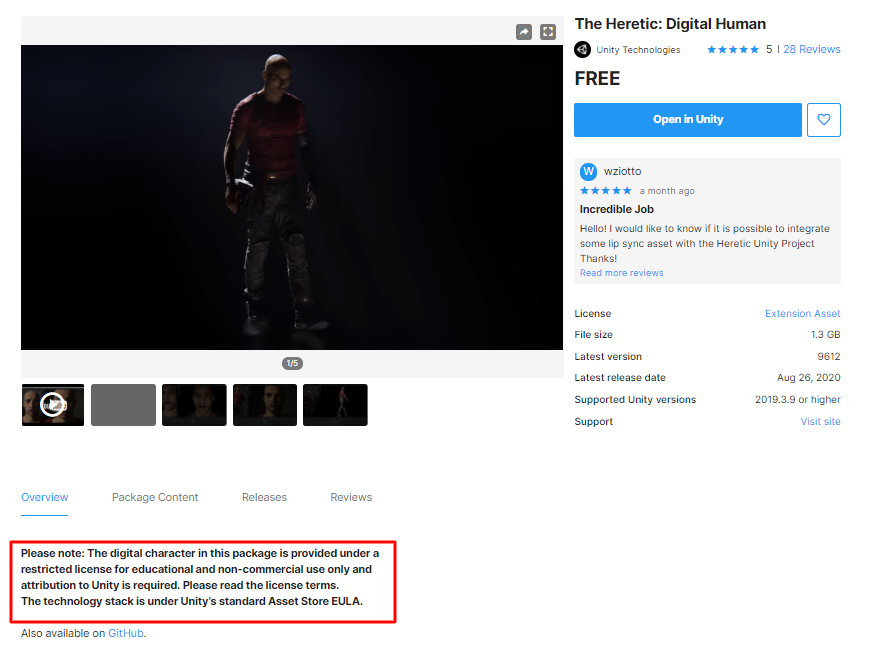
| Note: A number of assets included in Unity Tutorials and Templates are intended for educational purposes only. Ensure that you read the license .txt file included with the .unitypackage for more information about certain restrictions that may apply. |
Non-standard EULA
If an asset's license is listed as Non-standard EULA, it could fall under two categories: a third-party EULA or the Unity companion license.
A third-party EULA is a separate agreement between you (the user) and the provider. You are governed by the third-party terms and not the standard Unity EULA. These terms are clearly stated or linked on the asset's description page, so you may review them before deciding to purchase.
If an asset is governed by the Unity companion license, you are covered by the Unity companion license and not the standard Unity Asset Store EULA.
Resale of assets
You cannot duplicate an asset, or include it in an asset-type product.
For example, if you think of the Asset Store as a grocery store and the assets as carrots and zucchini, the Asset Store EULA lets you sell a meal that you make from the carrots and zucchini. Your recipe, your preparation, and your presentation are the substantial original work with which vegetables are distributed. The Asset Store EULA, however, does not let you resell individual vegetables outside of a recipe.